Generate Technical Jewelry Sketches & Concept Designs from Prompts
Describe your jewelry vision in text or upload a reference image to generate 1 to 6 colored pencil or technical sketches. Switch between Main, Side, Top, and Perspective views, or refine details on existing designs.
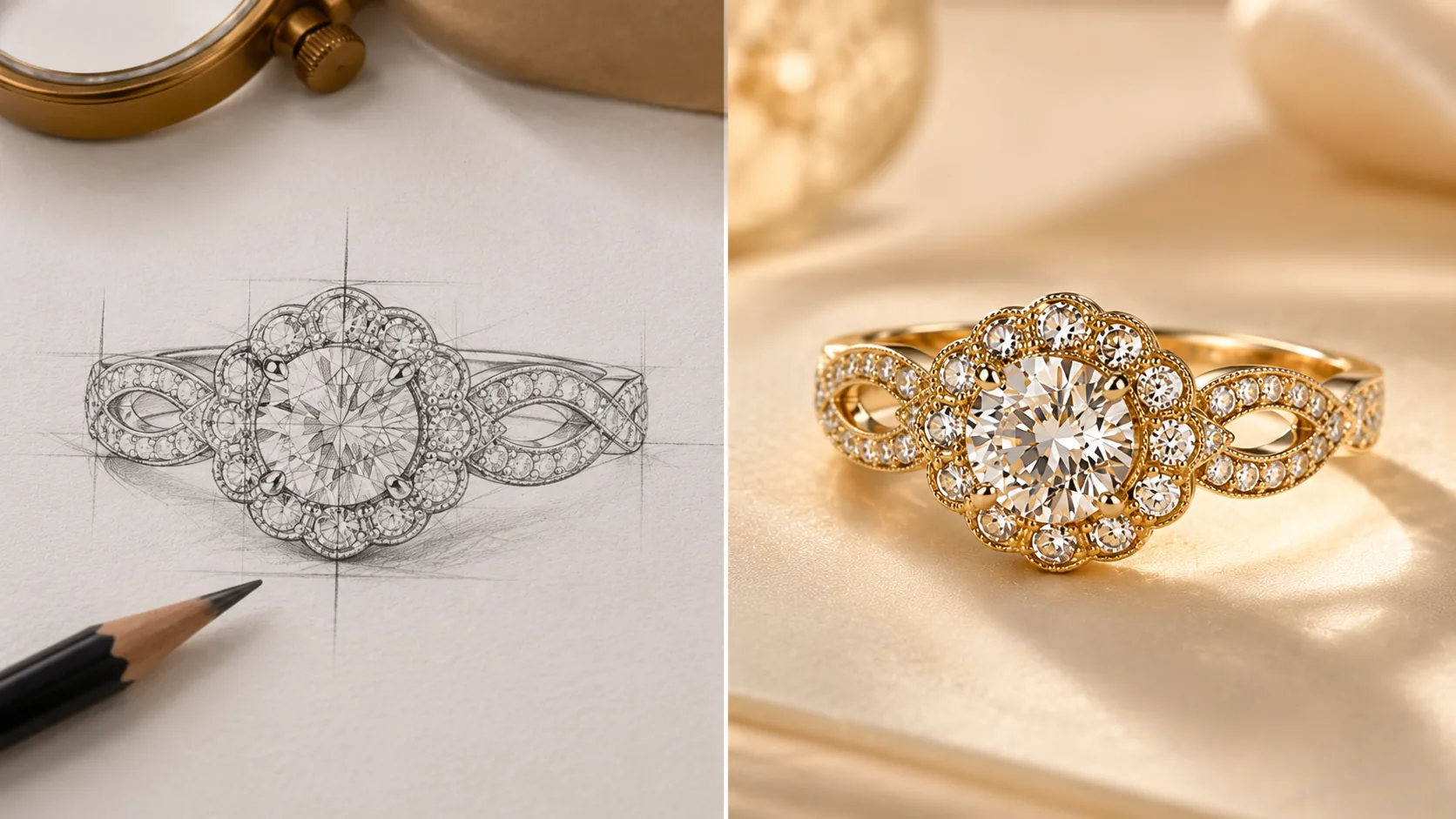
How Sketch Studio Works
A seamless four-step pipeline engineered for jewelry craftsmen, designers, and e-commerce leaders.
Choose Mode (Text or Image)
Select Text-to-Image to describe a new concept, or Image-to-Image to upload a reference sketch.
Select Jewelry Category & View
Pick category (Ring, Necklace, Earrings, Bracelet, etc.) and camera angle (Main, Side, Top, Perspective).
Set Batch Quantity (1–6)
Choose how many variations to generate per run and add custom design instructions.
Generate, Refine & Change Views
Generate sketches, refine specific details, or request alternative camera views on your favorite result.
Unrivaled Precision
Key Capabilities Designed for Luxury Standards
Every feature is fine-tuned specifically for precious metals, refraction optics, and gemstone physics.
Text-to-Sketch & Image-to-Image
Create initial design concepts from text descriptions or remix existing uploaded sketch drawings.
Multi-View Generation (Main, Side, Top)
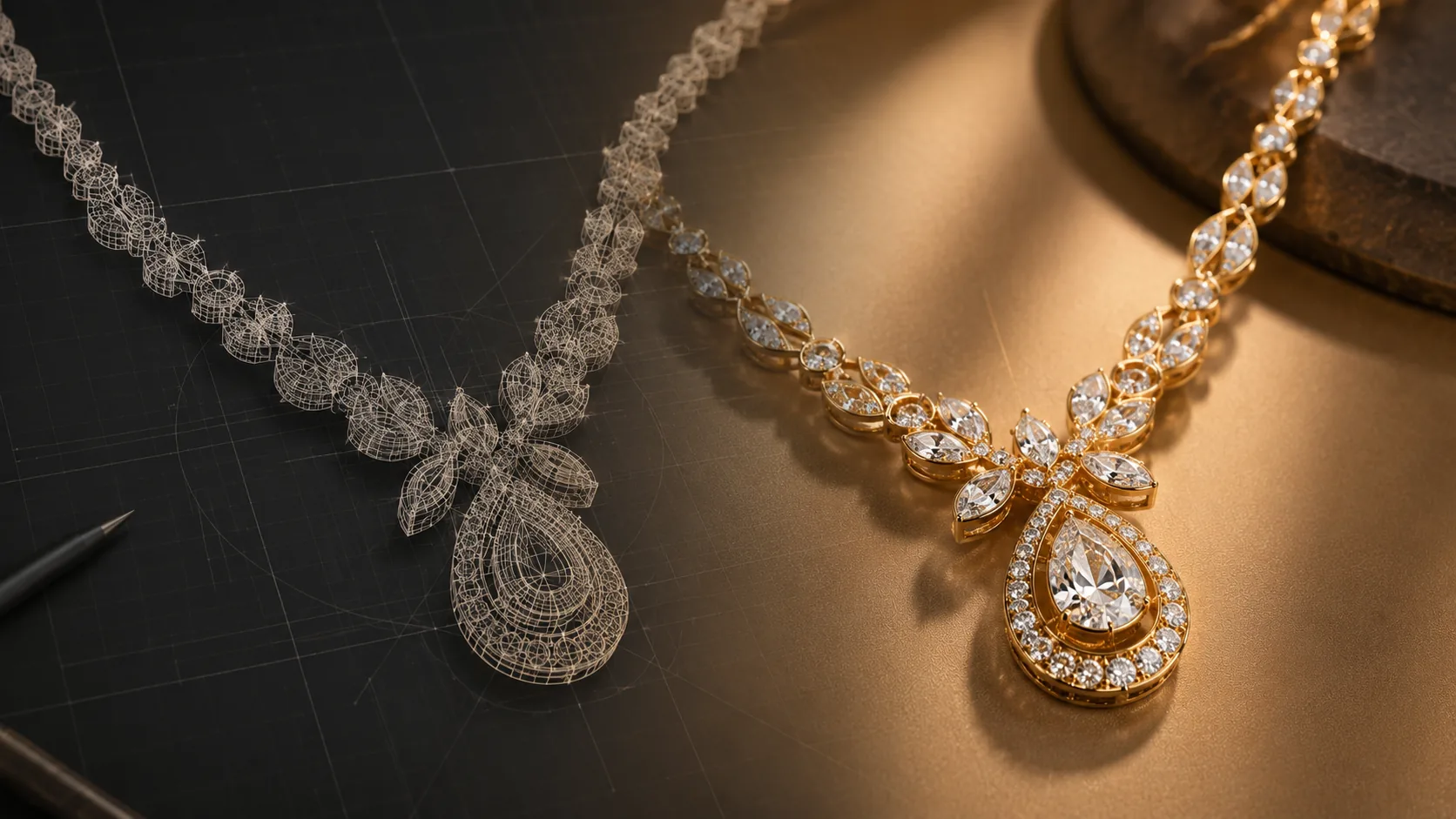
Generate specific technical angles to inspect shank profiles, stone elevations, and prong settings.
Batch Generation (1 to 6 Sketches)
Produce multiple aesthetic variations in parallel to explore diverse design directions quickly.
Refinement & Regeneration Operations
Target an existing generated sketch to tweak gemstones, metal engravings, or viewpoint angles.
Built for Industry Leaders
See how jewelers, brands, and workshops leverage this tool daily.
Live Counter Co-Design
Type client ideas into the prompt during showroom consultations to generate instant sketches for review.
Collection Moodboard Concepting
Produce cohesive series of jewelry sketches to brainstorm seasonal collections.
Frequently Asked Questions
Got questions about Sketch Studio? We have answers.
Explore Studio
Discover More AI Studios

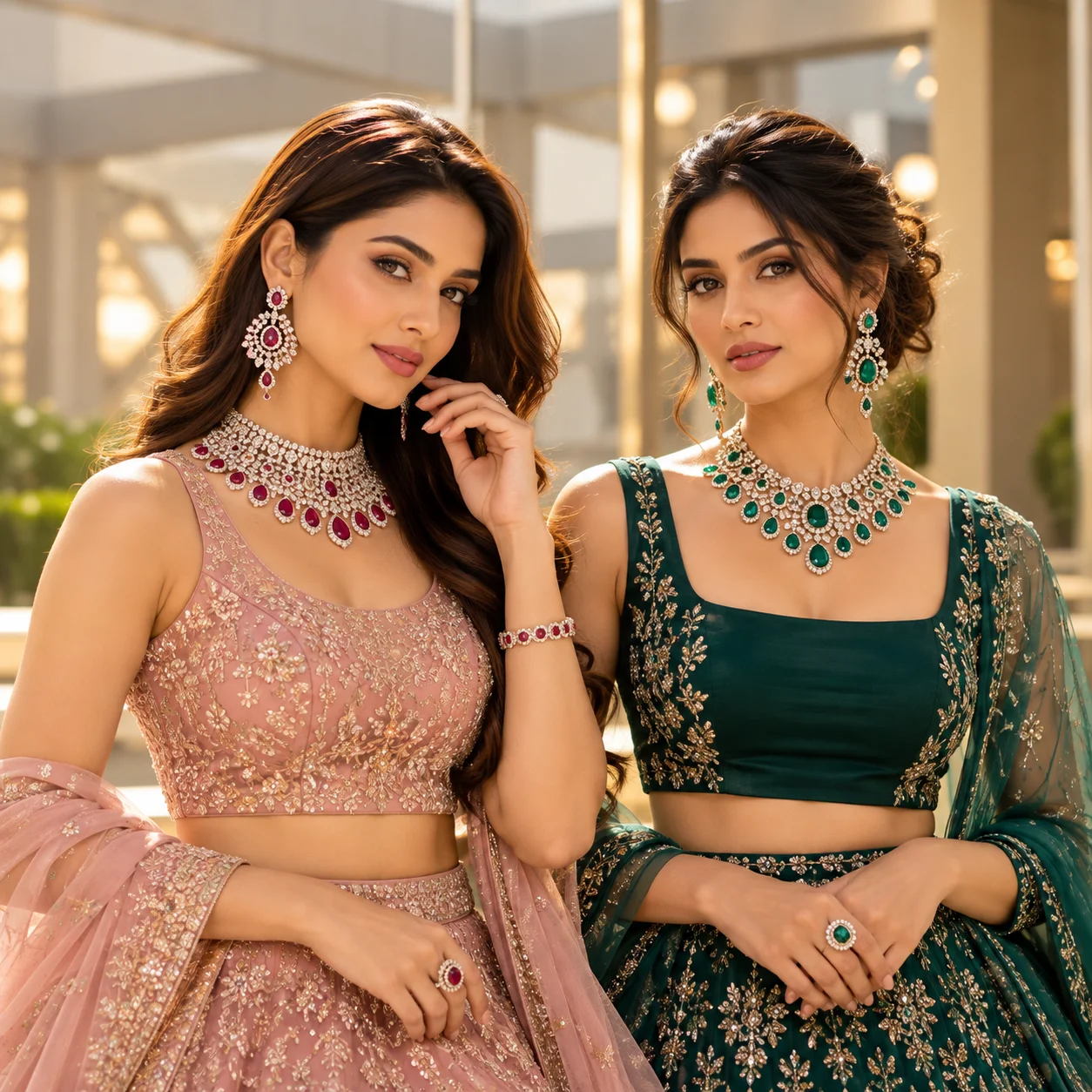
Ready to Experience Sketch Studio?
Draft new jewelry concepts, explore multi-angle sketches, and iterate on bespoke client requests in seconds.